
Foktech Network Adapters Catalog

Foktech breathes new life into older desktops and legacy laptops with its highly reliable, budget-friendly USB Wi-Fi network adapters. Powered by robust Realtek chipsets like the RTL8821CU, these dual-band dongles offer a seamless way to upgrade your wireless capabilities without breaking the bank. Whether you need the low-profile, leave-in convenience of the AC600 Mini or the long-range wall-penetrating power of the AC1300 High-Gain antenna, Foktech delivers excellent throughput across multiple operating systems. Perfect for mainstream Windows setups and highly adaptable for advanced Linux or macOS enthusiasts, these devices provide an instant, hassle-free network boost exactly where you need it most.

Top Foktech Network Adapters

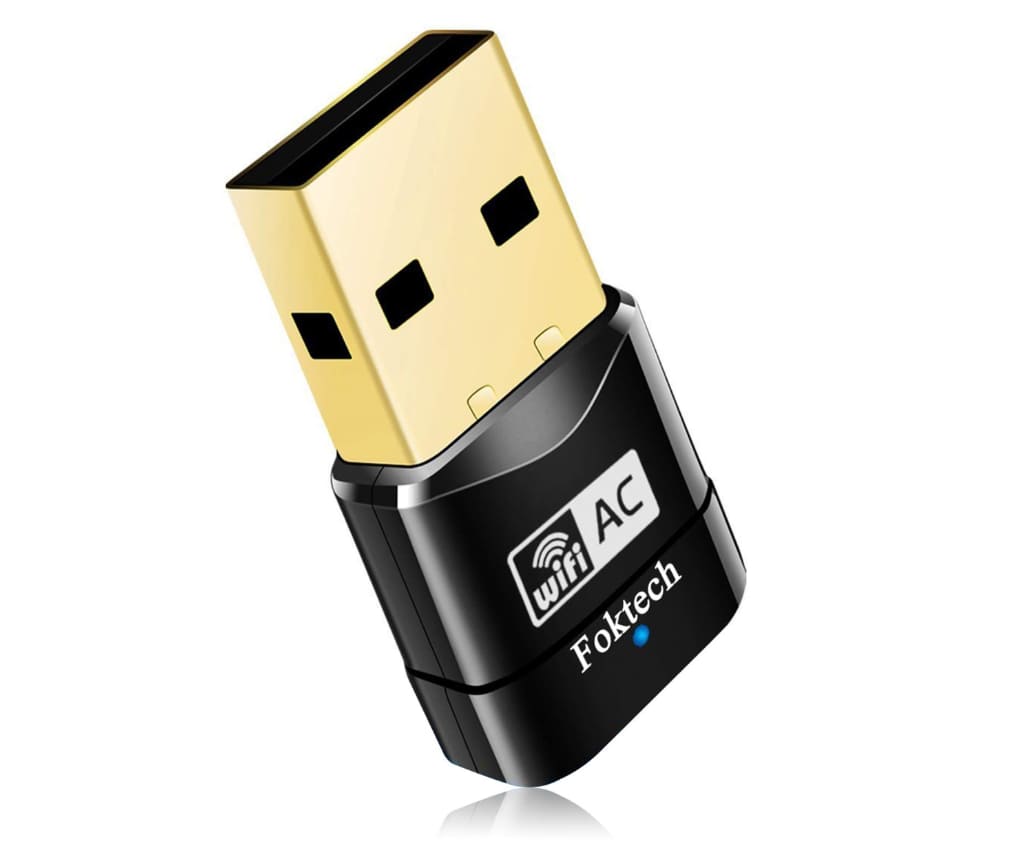
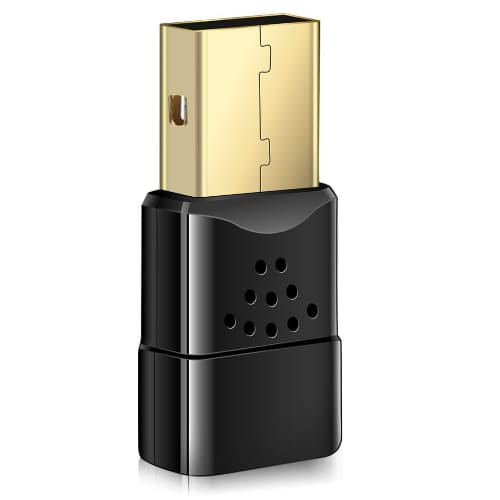
Foktech AC600 Mini Wireless USB Adapter (Model: W-107)

This ultra-compact, dual-band nano dongle plugs seamlessly into any USB 2.0 port to provide older laptops and desktops with hassle-free Wi-Fi 5 speeds up to 433 Mbps on the 5GHz band.

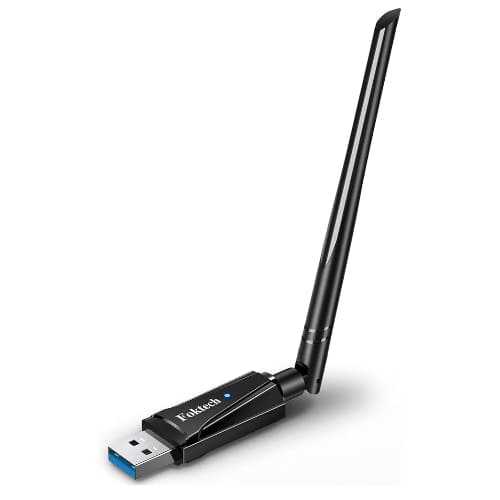
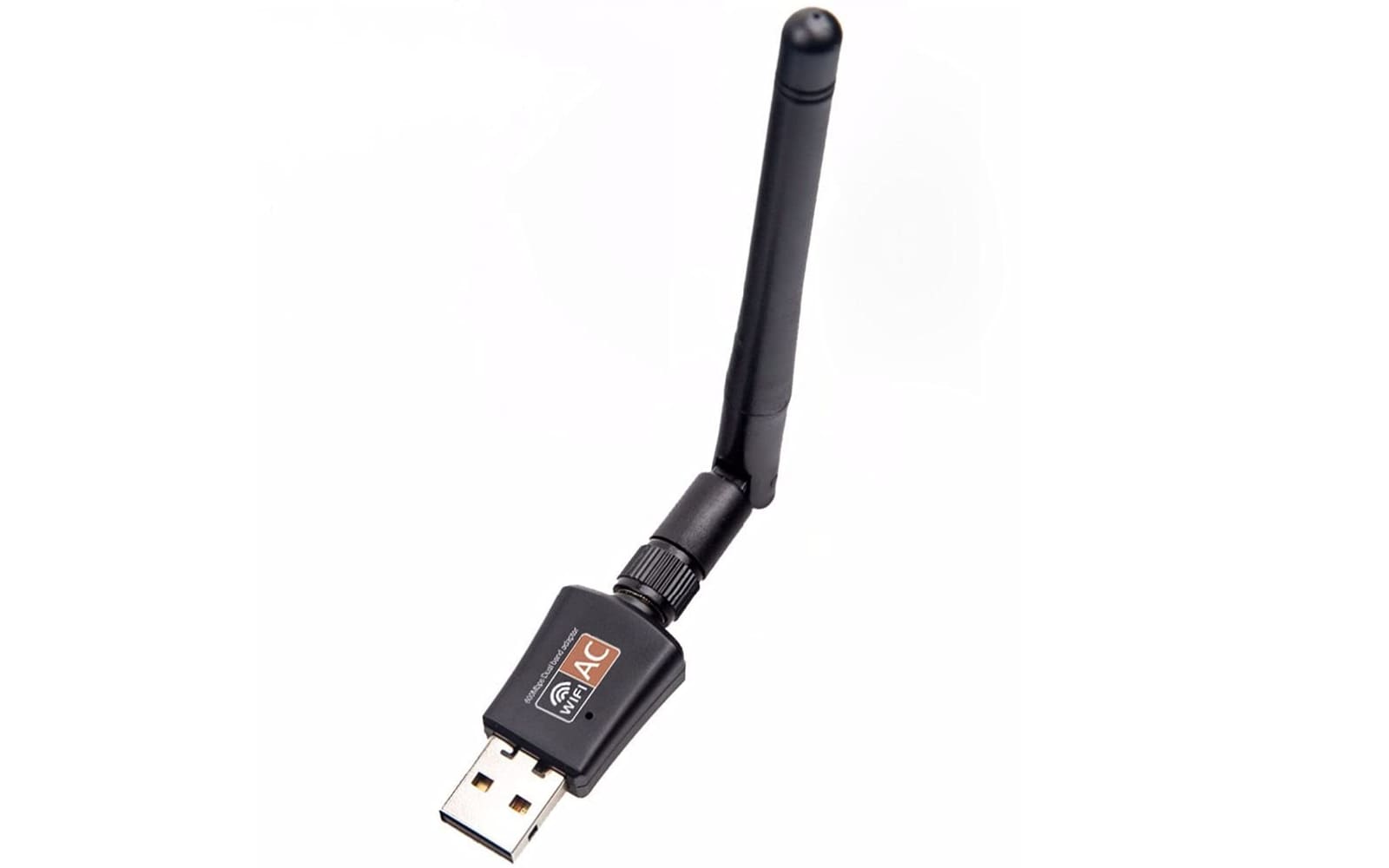
Foktech AC1300 High-Gain USB Wi-Fi Adapter (Model: 6B19)

Equipped with a powerful 5dBi external physical antenna and a fast USB 3.0 interface, this high-performance model significantly maximizes signal penetration and long-distance coverage throughout your home.

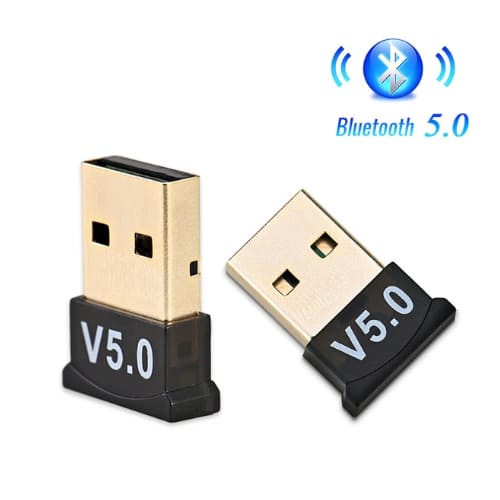
Foktech Bluetooth 5.0 USB Dongle Receiver

This miniature transmitter easily brings seamless wireless capabilities to Bluetooth-deprived computers, allowing you to reliably connect multiple external devices like headphones, keyboards, and mice simultaneously.

Upgrade your tech instantly with smart, budget-friendly wireless tools designed to seamlessly keep all your legacy devices connected.
Main Product Categories

USB Wi-Fi Adapters

These compact, plug-and-play dongles range from stealthy, leave-in nano adapters to external high-gain antenna models that effortlessly boost network speeds on older computers.

Bluetooth USB Adapters

Designed to inject modern connectivity into older rigs, these miniature receivers allow you to easily link wireless headphones, keyboards, and mice to desktops lacking native Bluetooth hardware.

Customer Experiences

Marcus Vance: After my old laptop’s internal network card gave out completely, I plugged in the AC600 mini adapter, and Windows 11 instantly picked it up without me even needing to touch the driver CD. I have been streaming high-definition video files all week from my bedroom, and the connection has remained rock-solid without a single drop or stutter despite being two rooms away from our main router.

Elena Rostova: I bought the high-gain antenna model because my desktop PC in the basement was getting terrible reception, and the difference in signal strength has been staggering. Downloading large game patches used to take hours, but thanks to the 5GHz dual-band switching, my speeds practically tripled overnight, making this the best twenty dollars I have spent on my home office setup this year.

David Cho: Adding the Bluetooth dongle to my custom-built gaming PC was incredibly straightforward, and it immediately allowed me to pair both my wireless mechanical keyboard and my favorite Sony headphones simultaneously. There is absolutely no noticeable audio lag while watching movies or playing fast-paced games, which is a massive relief given how affordable the hardware is.

Foktech FAQ

Do I need to install drivers before plugging in the adapter?

On modern setups running Windows 10 or Windows 11, these adapters are typically plug-and-play because the operating system automatically detects the device and installs a baseline native Realtek driver via Windows Update. If your system cannot auto-detect the hardware or you are using an older operating system, you will need to install the setup files manually using the mini-CD included in the retail box or by grabbing the official Realtek chipset package online.

Will this Wi-Fi dongle work on my Smart TV or gaming console?

No, Foktech network adapters are strictly designed for traditional computers and cannot bring wireless capabilities to Smart TVs, streaming boxes like Roku or Apple TV, printers, or home theatre projectors. These dedicated devices lack the underlying desktop operating architecture required to install and run the third-party background network drivers that manage the hardware.

How do I get this adapter running on a Linux machine?

While Foktech does not officially support Linux systems out of the box, you can successfully configure the adapter because it relies on standard, community-supported Realtek hardware components. Linux users usually get their dongles up and running on distributions like Ubuntu, Mint, or Arch by downloading, compiling, and installing the necessary rtl8821cu or rtl8812bu kernel modules manually via DKMS.

Can I use this adapter on modern versions of macOS?

Official native support provided by the brand stops completely after Mac OS X 10.15 Catalina, meaning newer operating systems like Big Sur, Sonoma, or Sequoia are not compatible right out of the box. To bypass this limitation, advanced users and Hackintosh builders rely on third-party open-source driver utilities available on GitHub, which require you to completely disable your Mac’s System Integrity Protection to function.

Why is my AC1300 adapter not reaching its maximum advertised internet speed?

If your high-speed adapter is underperforming, ensure that you have plugged it directly into a blue-colored USB 3.0 port rather than an older USB 2.0 slot. Connecting an AC1300 device to an older USB 2.0 port creates a physical bandwidth bottleneck that caps your total data throughput way below the adapter’s potential maximum performance.

FOKTECH Bluetooth 4.0 USB Dongle